![Screenshot 2024-03-12 at 11.34.19 AM.png]](https://cloud-kb.sentinelone.com/hs-fs/hubfs/Screenshot%202024-03-12%20at%2011.34.19%20AM.png?height=40&name=Screenshot%202024-03-12%20at%2011.34.19%20AM.png)
Risk Level: Low
Description:
This plugin configures the deregistration delay for AWS ELBv2 target groups. Deregistration delay should be adjusted for AWS elastic target groups to aid in the completion of in-flight requests to the target.
PingSafe strongly recommends updating ELBv2 target group attributes and set the deregistration delay value.
About the Service :
The Amazon ECS service may be configured to employ Elastic Load Balancing to uniformly distribute traffic among your service's jobs. The transport layer (TCP/SSL) or the application layer (HTTP/HTTPS) are where a Classic Load Balancer makes routing choices. A fixed relationship between the load balancer port and the container instance port is presently required by traditional load balancers.
Impact :
AWS elastic target groups should have deregistration delay configured to help in-flight requests to the target to complete.
Steps to reproduce :
- Login to your AWS Management Console.
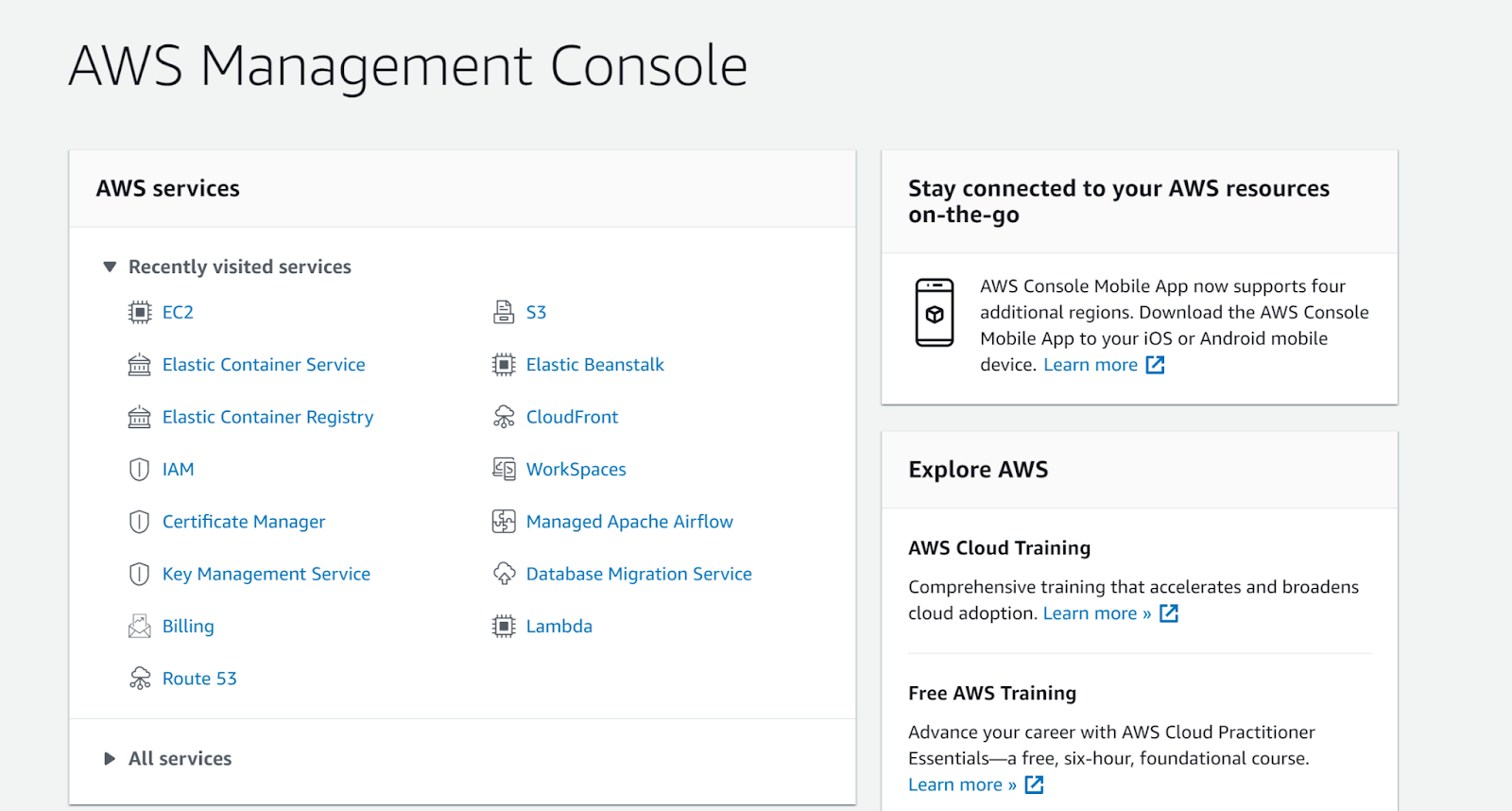
- Navigate to the EC2 console.
https://ap-south-1.console.aws.amazon.com/ec2/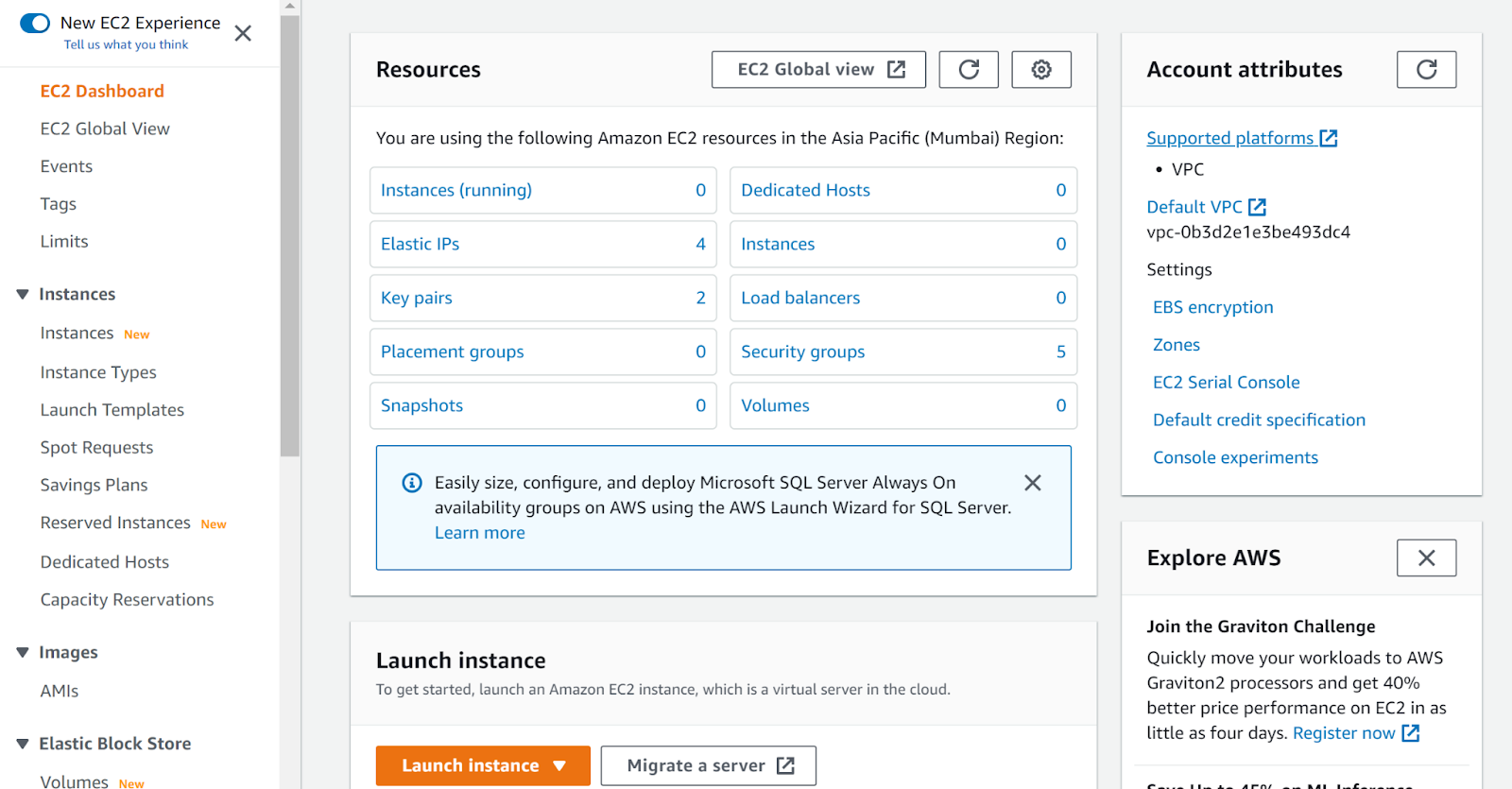
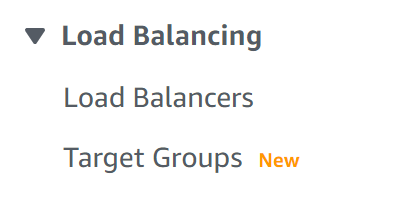
- Click on Target Groups under Load Balancing.
- Select the target group that you want to examine.
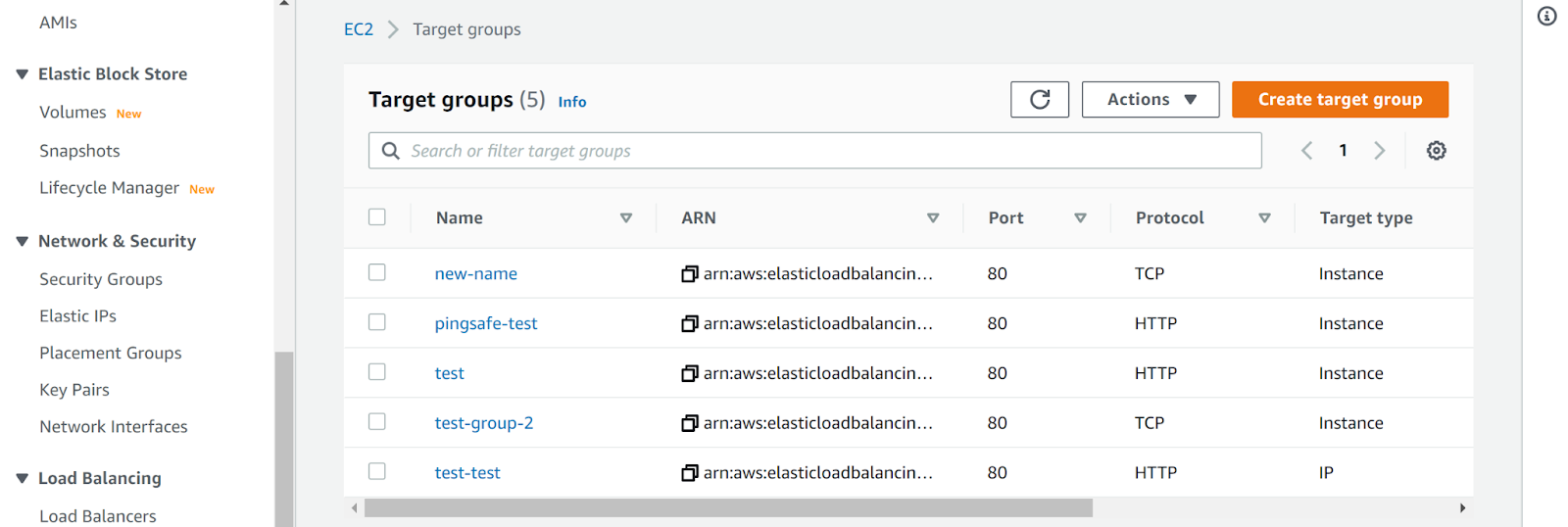
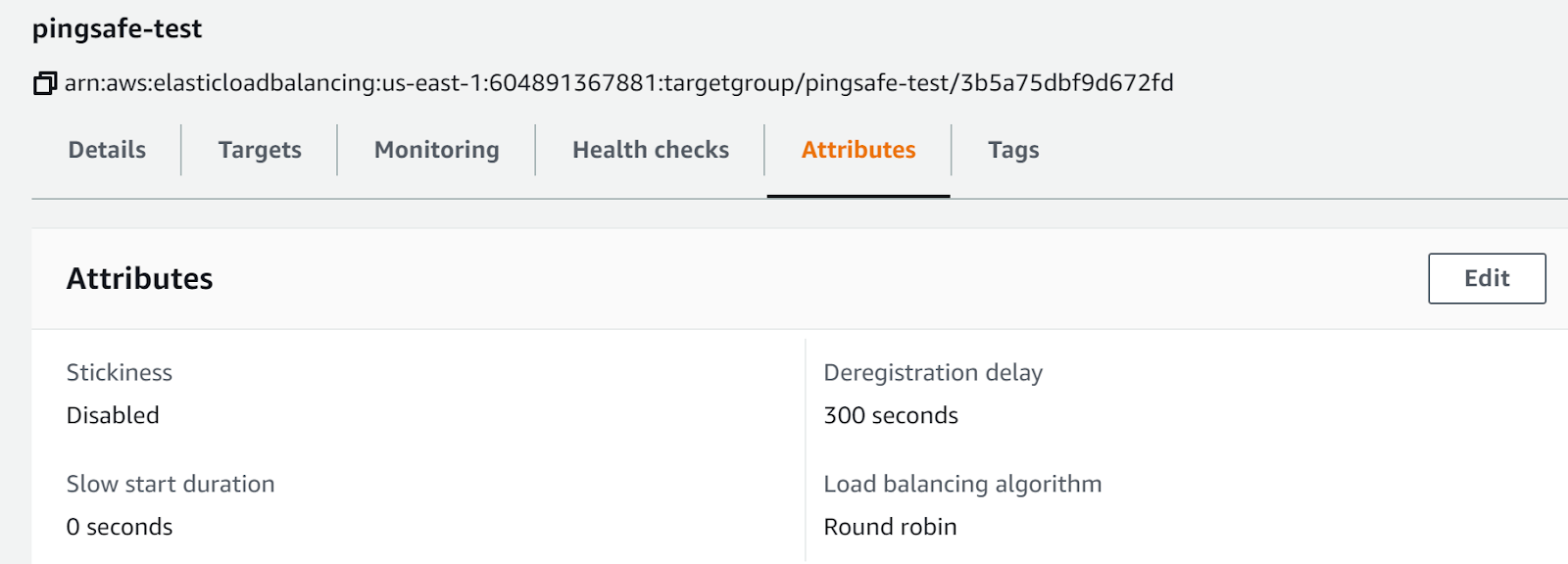
- Look at the Attributes of the load balancer and check if the Deregistration Delay is set or not.
- Repeat steps for other load balancers as well.
Steps for remediation :
- Login to your AWS Management Console.
- Navigate to the EC2 console.
https://ap-south-1.console.aws.amazon.com/ec2/ - Click on Target Groups under Load Balancing.
- Select the target group that you want to examine.
- Look at the Attributes of the load balancer and check if the Deregistration Delay is set or not.
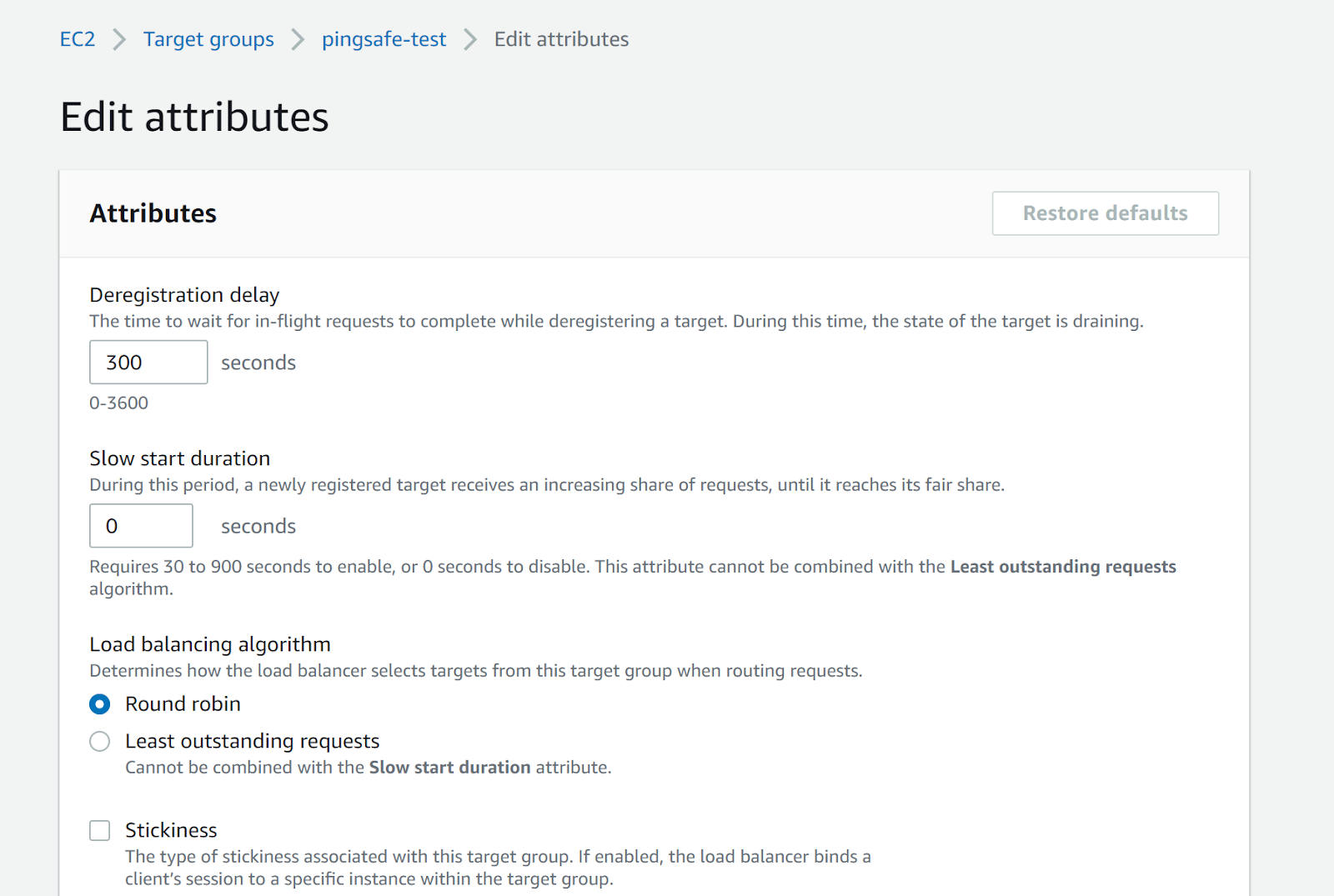
- If it is not set click on Edit and then set the deregistration delay and press Save.
- Repeat steps for other load balancers as well.
References: